How to check the battery health of a used smartphone: buyer's guide
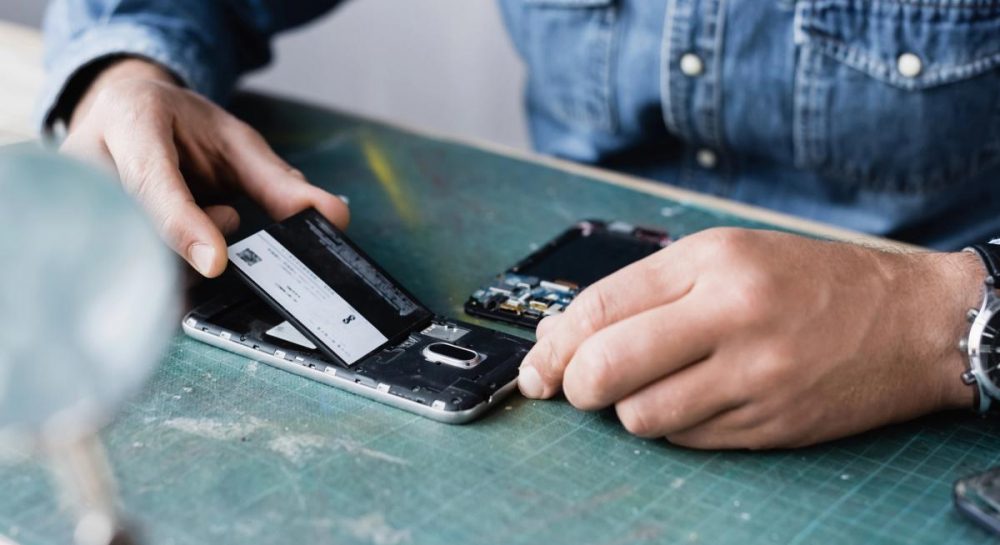
Buying a used smartphone requires careful battery inspection, as it is the most common component to wear out.
 💡Tech
Photo: UNIAN
Key points
- Inspecting the housing for signs of repair
- Using system settings to verify component authenticity
- Risks of non-original battery replacements
Purchasing a pre-owned smartphone is a great way to save money, but it carries risks, particularly regarding the battery's health. Even if the exterior looks perfect, a degraded or non-original battery can significantly impact the device's performance and reliability.
Visual inspection tips
Before finalizing a purchase, inspect the device for signs of tampering. Poor display-to-frame alignment, uneven gaps, or screw heads showing tool marks are red flags. These physical signs often indicate that the device has been opened and repaired with potentially low-quality parts, which can lead to overheating and unexpected shutdowns.
Using software to verify history
Modern smartphones from brands like Apple, Samsung, and Google include features to track service history. On an iPhone, checking the 'Parts and Service History' section in settings is essential to confirm if components are genuine. Always ask for service records if the seller claims the battery has been replaced. Investing time in these checks can save you from costly repairs or a device that fails to hold a charge.
Source UNIAN — unian.ua/techno/gadgets/yak-pereviriti-akumulyator-u-vzhivanomu-tel… ↗
Read next
 🛡️Security
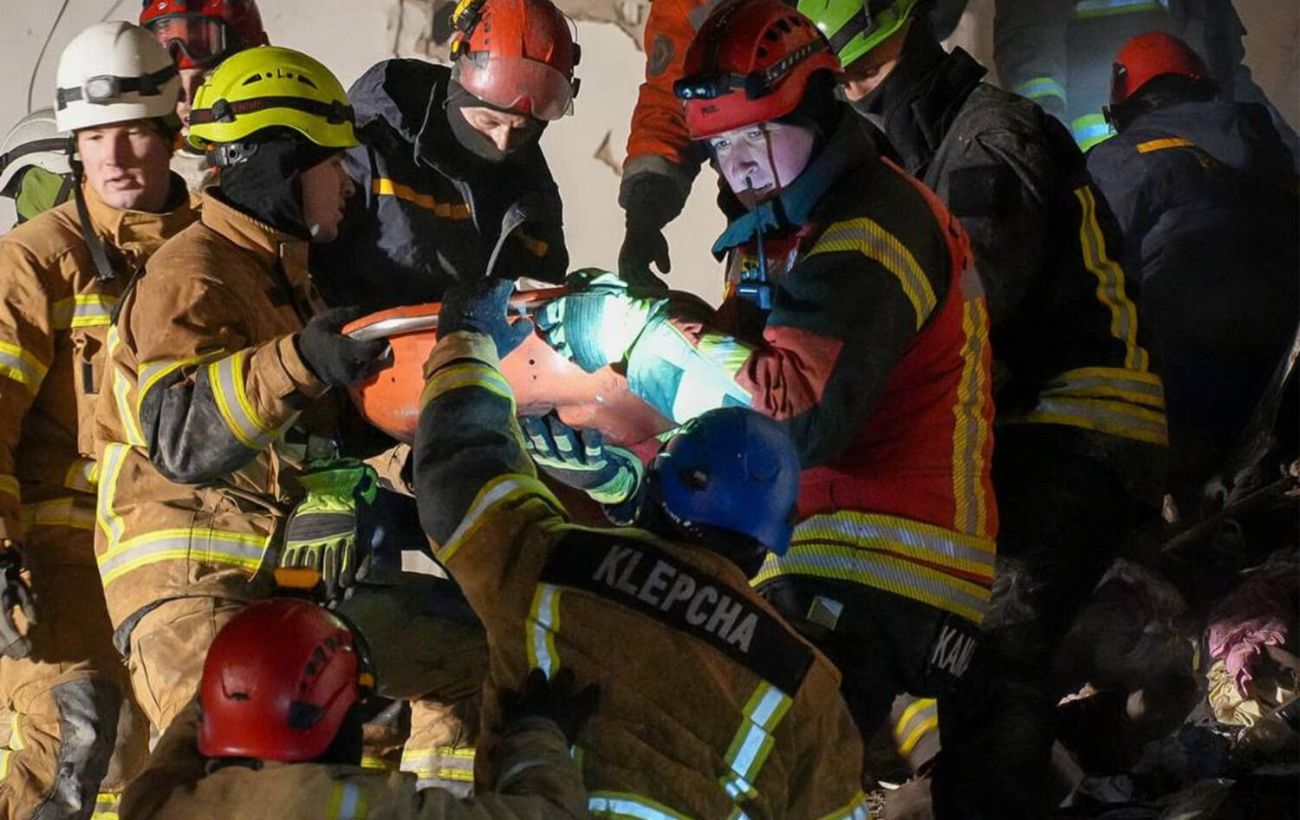
Rescue operation in Dymer: 89-year-old woman pulled from the rubble
Search operations continue in the Kyiv region following a hostile drone strike on a residential building. The death toll has risen to nine.
 🛡️Security
Russian corvette 'Merkury' in Libya: potential Ukrainian drone strike
A Russian warship was reportedly damaged in the Libyan port of Benghazi, with international sources suggesting a potential strike by Ukrainian marine drones.
 🛡️Security
Russia tests NATO defense algorithms through airspace violations, says Dmitry Kashchenko
Retired Ukrainian Colonel Dmitry Kashchenko stated that Russia uses missile and drone incidents over Alliance countries to test their combat readiness.
 🧠AI Analysis
Awakening of ancient bacteria: scientists warn of climate risks due to permafrost thaw
Researchers from the University of Colorado have activated microorganisms dormant for 40,000 years in permafrost, revealing risks of accelerated global warming.
 💼Economy
Ukrainian farmer grows a giant 350-kilogram pumpkin
A resident of the Cherkasy region, Oleksiy Buryachenko, grew a giant pumpkin on his plot, which became the largest in Ukraine, and distributed it for free to the communit…
 🇺🇦Ukraine
US Director of National Intelligence: Putin is not America's friend regarding Ukraine
US Director of National Intelligence Jay Clayton clarified the distinction between Donald Trump's diplomatic rhetoric and the reality of US-Russia relations, emphasizing …